Customer experience design is the work of making every buyer touchpoint feel consistent, useful, and trustworthy. For an online store, that means your search snippet, product page, checkout, payment flow, delivery updates, support, and post-purchase emails should all feel like one brand.
Shopify’s customer experience design guide frames CX as the full relationship a customer has with a brand, not just website UX. That distinction matters for ecommerce because the sale often depends on touchpoints outside the product page.
What is customer experience design?
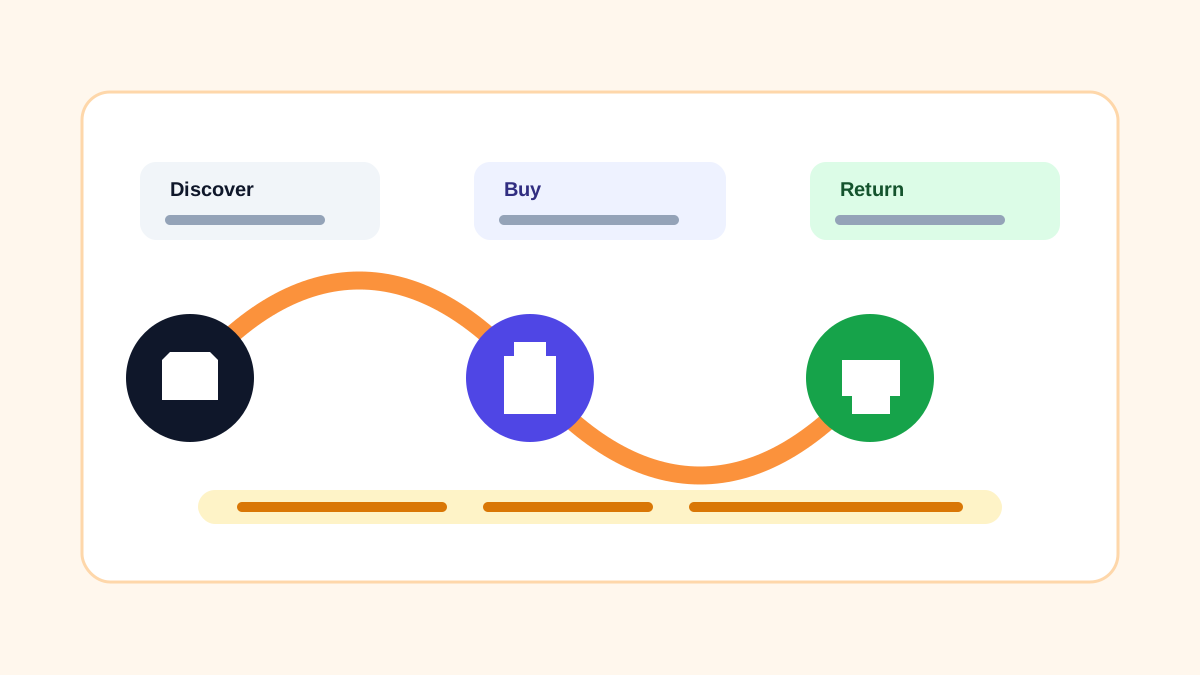
Customer experience design is the process of shaping the full customer journey: how buyers discover you, how they compare products, how they pay, what happens after the order, and whether they come back.
For ecommerce, CX design includes:
- Search snippets and social previews
- Homepage and collection navigation
- Product photos, descriptions, sizing, and FAQs
- Checkout speed and payment trust
- Confirmation emails and tracking messages
- Returns, refunds, and support replies
- Reviews, loyalty, and reactivation campaigns
Customer experience vs. UX design
UX design usually focuses on how easy a website or app is to use. Customer experience design is wider. It includes UX, but it also includes the tone of your emails, refund clarity, packaging, delivery updates, and whether support has the context to solve problems quickly.
A fast checkout is UX. A checkout that also explains payment methods, refund timelines, delivery expectations, and support options is CX.
Why is customer experience design important?
Good CX reduces buyer hesitation. A shopper may like a product but still stop if the site feels slow, return terms are unclear, UPI is missing, or the order confirmation looks unprofessional.
Strong CX helps with SEO and GEO too. Search engines and AI answer systems can understand your store better when important trust details are visible on crawlable pages: shipping, returns, payment methods, product details, reviews, FAQs, and support routes.
How to design a great customer experience
Start with the buyer journey and make every step easier.
- Map the path from search to reorder.
- Find the questions buyers ask before purchase.
- Add answers on product and policy pages.
- Make checkout mobile-first and payment-first.
- Send clear confirmation, shipping, and refund messages.
- Ask for feedback after delivery.
- Improve one touchpoint at a time.
Do not redesign everything at once. Change one variable, track the result, and keep the improvements that reduce support questions or increase conversion.
What is an example of great customer experience design?
Imagine a skincare brand selling in India. A buyer searches for “vitamin C serum for oily skin,” lands on a product page with ingredients, usage timing, skin-type FAQs, reviews, shipping speed, COD/UPI options, and a clear return policy. After purchase, the buyer receives an email with order details, a WhatsApp tracking link, and usage tips.
That is CX design. The product did not change, but the whole relationship feels more reliable.
Customer experience design FAQ
Is CX more important than conversion rate optimization?
They work together. CRO can improve a single step. CX improves the whole journey so each step supports the next one.
What should small stores fix first?
Start with product clarity, payment trust, shipping expectations, and support response time. Those are the most common sources of hesitation.
Can an ecommerce platform help with CX?
Yes. A platform can provide fast pages, clean product templates, visible payment options, automated emails, analytics, customer accounts, and simple refund workflows. The brand still has to write the answers and keep promises.
Start your online business today.
Put the guide into practice on Sellerlane.
Build a fast storefront, connect Razorpay or PayU, publish SEO-ready pages, and keep 0% added transaction fees.
Start your free store